
CDFA manifest requirements are one of those regulatory topics that most California restaurant owners know exist but few fully understand. The rules are not complicated once you know what to look for, but the consequences of non-compliance are significant: fines, audit headaches, and potential liability if grease waste is improperly disposed of.
This guide explains the CDFA manifest system in plain English, what your restaurant's obligations are in 2026, and the most common mistakes that get operators into trouble.
What the CDFA Manifest System Is
The California Department of Food and Agriculture regulates the collection, transportation, and rendering of inedible kitchen grease (IKG) under Title 3 of the California Code of Regulations. Used cooking oil and grease trap waste from restaurants fall under this category.
The manifest system is the documentation backbone of this regulatory framework. Every time a registered transporter collects IKG from your restaurant, they must generate a manifest, a legal document that creates a chain of custody from your kitchen to the final processing facility. A copy can be handed to you at the time of pickup, or your hauler can mail or deliver it digitally up to 45 calendar days later under 3 CCR Section 1180.24, most compliant haulers today email a digital manifest shortly after the pickup is processed.
Think of it like a receipt, but with legal weight. It proves that your waste was collected by a registered hauler, transported legally, and delivered to an approved destination.
What's Actually on a CDFA Manifest
A complete CDFA manifest for a load is really two documents working together: a receiving-facility form (CDFA Form 79-124) that the driver keeps with the truck, and a generator form (Form 79-125), one copy per restaurant that contributed oil to the load, all sharing a single consecutive manifest number. Your hauler doesn't have to use CDFA's exact paper templates, electronic systems are explicitly legal too, but whatever form is used has to capture the same fields the state's own templates define:
- Manifest number. One consecutive number ties your copy to the receiving facility's copy of the same load, letting an inspector cross-reference your paperwork against the transporter's and the facility's.
- Generator name and address. Your restaurant's legal name and the exact address where the oil was collected. Multi-location operators should confirm this reads as the actual kitchen, not a corporate HQ address.
- Date and time of collection. Stamped at pickup, the timestamp proving your oil moved on a documented schedule.
- Type of IKG collected. Exactly two checkboxes: Used Cooking Oil or Interceptor/Trap Grease. These are two different waste streams under CDFA rules, so if your hauler also services your grease trap, that pickup needs its own manifest rather than getting folded into your fryer-oil paperwork.
- Quantity and measuring method. Gallons or pounds, plus how the driver arrived at that number, container size and how full it was if the load was estimated visually rather than weighed. That field is what explains a reasonable variance between your copy and the hauler's instead of it reading as an error.
- Registered transporter name, and on the receiving-facility side, the vehicle decal number, the same number posted on the truck under 3 CCR Section 1180.20, the one field you can verify against CDFA's public registry before you sign anything.
- Receiving facility name and address. Where the load is delivered, the rendering or recycling facility that signs its own copy on arrival, closing the chain of custody the manifest exists to prove.
- Signatures. The driver certifies what left your building; your on-site representative (you or your manager) certifies they watched it happen. These two signature boxes are the only fields the driver isn't responsible for filling in, everything else is entered in ink by the driver, with any correction initialed.
The state's instructions also set a separate delivery clock for the receiving facility's copy, within 15 work days of the load, shorter than and distinct from the 45-calendar-day window you get as the generator. If a manifest is missing one of the fields above, ask why before you sign it, an incomplete manifest protects nobody.
Your Restaurant's Obligations
As the originating establishment, your restaurant has two specific obligations under the manifest system, plus one strong recommendation:
1. Verify Your Hauler Is Registered
Before allowing anyone to collect grease from your property, confirm they hold a current CDFA Inedible Kitchen Grease Transporter registration. You can verify this by requesting their registration number and checking it on the CDFA website. An unregistered hauler collecting your grease puts your restaurant in a non-compliant position even if you did not know they were unregistered.
2. Sign Every Manifest
When the driver arrives for a pickup, they should present a manifest for your signature, or provide one digitally at pickup or shortly after. Review it to make sure the basic information is correct: your restaurant name and address, the date, and the approximate quantity. Sign it, and keep your copy.
If your hauler uses an electronic system, they may email or text the digital manifest at the time of pickup or in the days after, 3 CCR Section 1180.24 gives haulers up to 45 calendar days to deliver it. Do not assume the hauler is keeping records on your behalf.
3. Keep Your Own Copies for at Least Two Years
Here is where the regulation is often misread. 3 CCR Section 1180.24 requires the transporter and the receiving facility, not your restaurant, to retain their manifest copies for a minimum of two years. Your restaurant does not have that same statutory retention duty. Even so, keeping your own copy on file for at least two years is the practical move: if a CDFA audit or health department question ever comes up, you want your own records on hand rather than waiting on your hauler to dig up a two-year-old file.
To make that easy, we recommend:
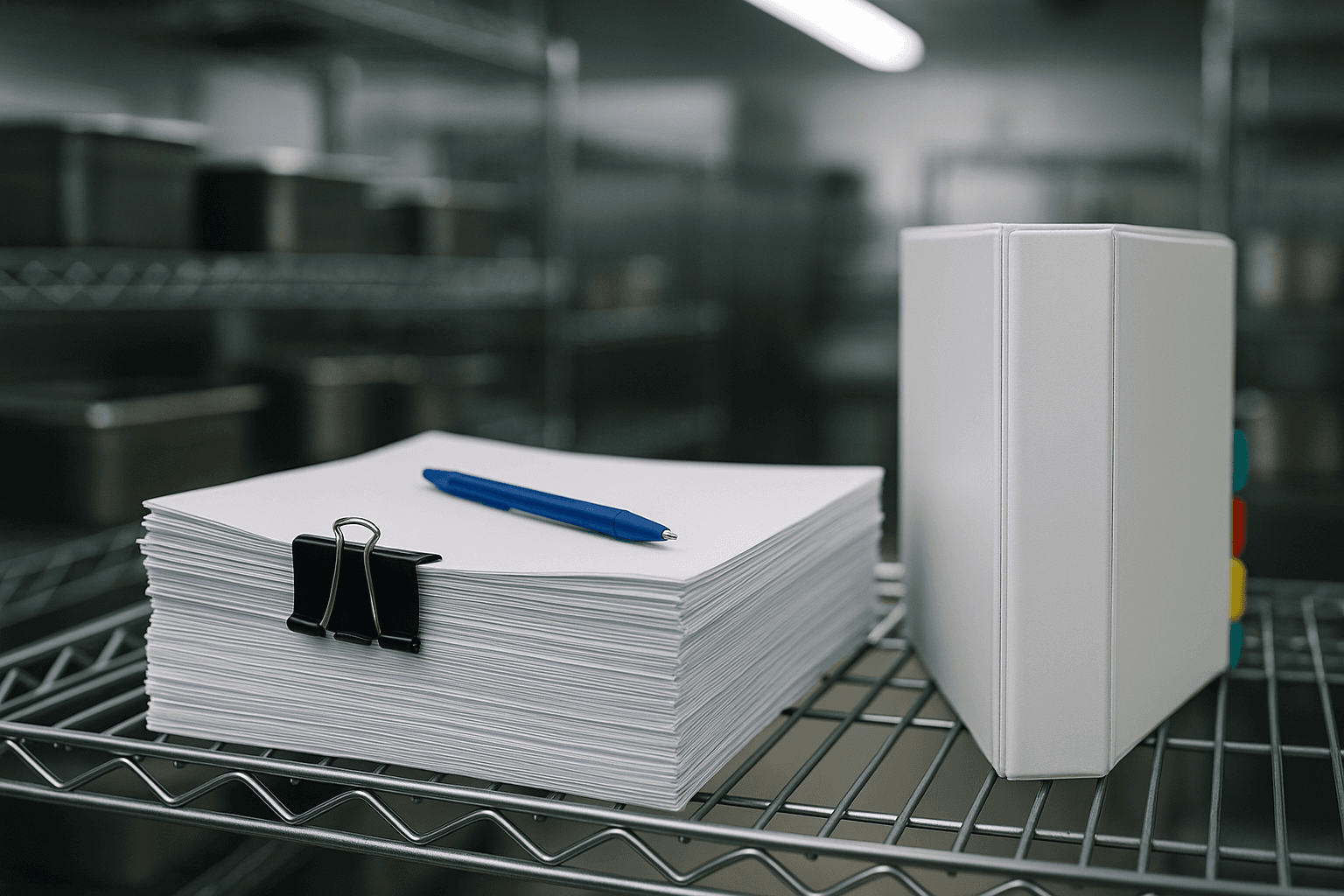
- Physical copies: File manifests chronologically in a dedicated binder. Label each year clearly.
- Digital backup: Scan or photograph physical manifests and store them in a cloud folder (Google Drive, Dropbox, or similar). If your hauler provides electronic manifests, save these to the same location.
- Annual audit: Once per year, review your manifest files to make sure there are no gaps. Every pickup should have a corresponding manifest.
Common Mistakes and How to Avoid Them
Not Keeping Your Own Copies
Many restaurant operators assume their hauler keeps all the records. The transporter and receiving facility are legally required to maintain their own copies for two years under 3 CCR Section 1180.24, but that doesn't help you if a CDFA audit or health department question targets your establishment directly. Keeping your own copy is the fastest way to produce a manifest on the spot instead of waiting on your hauler's records team.
Signing Blank or Incomplete Manifests
Some drivers present partially filled manifests and complete them later. Do not sign a manifest that is missing information. If the quantity, date, or destination is blank, ask the driver to complete it before you sign.
Using Unregistered Haulers
This is the highest-risk mistake. If an unregistered hauler collects your grease and improperly dumps it, your restaurant can face liability because there is no legal manifest trail. Always verify CDFA registration before establishing a service relationship, and re-verify annually.
Not Getting Records When Switching Providers
When you switch UCO haulers, request all manifests generated during their service period before ending the relationship. Once you have disconnected from the provider, obtaining historical records becomes significantly harder.
Electronic vs. Paper Manifests
California law permits both paper and electronic manifests, and there is no regulatory advantage to either format. However, electronic manifests offer practical advantages:
- Automatic backup: Digital records are less likely to be lost than paper in a binder.
- Easy retrieval: Searching for a specific manifest by date is instant with digital records.
- No legibility issues: Paper manifests can become illegible over time due to fading or water damage.
- Remote access: You can pull up records during an audit without being physically at the restaurant.
If your current hauler only provides paper manifests, consider scanning them into a digital folder as a backup. If you are choosing between providers, electronic manifest capability is a meaningful differentiator.
An Inspection Request, Start to Finish
Here's what actually happens when someone asks to see your manifests.
The request. It's rarely CDFA showing up unannounced. More often it's a local health inspector during a routine visit, a franchise auditor working a compliance checklist, or occasionally a CDFA investigator following up on a specific hauler under review. The ask is usually plain: "show me your manifests for the last twelve months." Answering it means producing records, not explaining the regulation.
Pulling the records. Oil Guyz emails a digital manifest after every pickup and stores that history in Filtrate, so this step takes under a minute: filter to the date range named and you have a chronological list, gallons collected, transporter name, and destination facility, ready to show on a phone screen right there in the kitchen. If you're managing paper manifests yourself, this is where a binder sorted by date turns a stressful moment into a two-minute walkthrough, or where a missing binder turns it into a multi-day scramble.
What a compliant answer looks like. Three things lined up: a manifest for every pickup date in the window with no gaps, quantities that stay roughly consistent pickup to pickup, and a transporter with a CDFA registration number that checks out against the state's public registry. A grease trap or interceptor service, if your hauler handles that too, should show as its own separate record rather than folded into your used cooking oil manifests.
What a gap looks like. The two most common are a missing manifest for a pickup date the inspector already has on record, and a manifest missing the generator representative's signature, which reads as a pickup nobody at the restaurant ever verified. Either one turns a five-minute question into a follow-up visit.
After the visit. A clean inspection ends with the inspector noting records were produced. A gap usually means a written follow-up request and a deadline to explain or produce the missing documentation, not an immediate penalty over one missing manifest, but a pattern of gaps is what escalates. It's also the moment operators find out whether their hauler can actually reissue a manifest on request. A hauler running real recordkeeping can produce a duplicate in minutes; one that can't is a sign to switch before your next inspection, not after.
The Bottom Line
CDFA manifest compliance is not difficult. It comes down to three things: using a registered hauler, signing complete manifests at every pickup, and keeping your own copies organized for at least two years. The restaurants that struggle with compliance are usually the ones that never set up a simple filing system. Spend 30 minutes creating a binder and a digital folder, and this entire regulatory requirement becomes effortless to manage going forward.